How to Troubleshoot Thermostat Problems
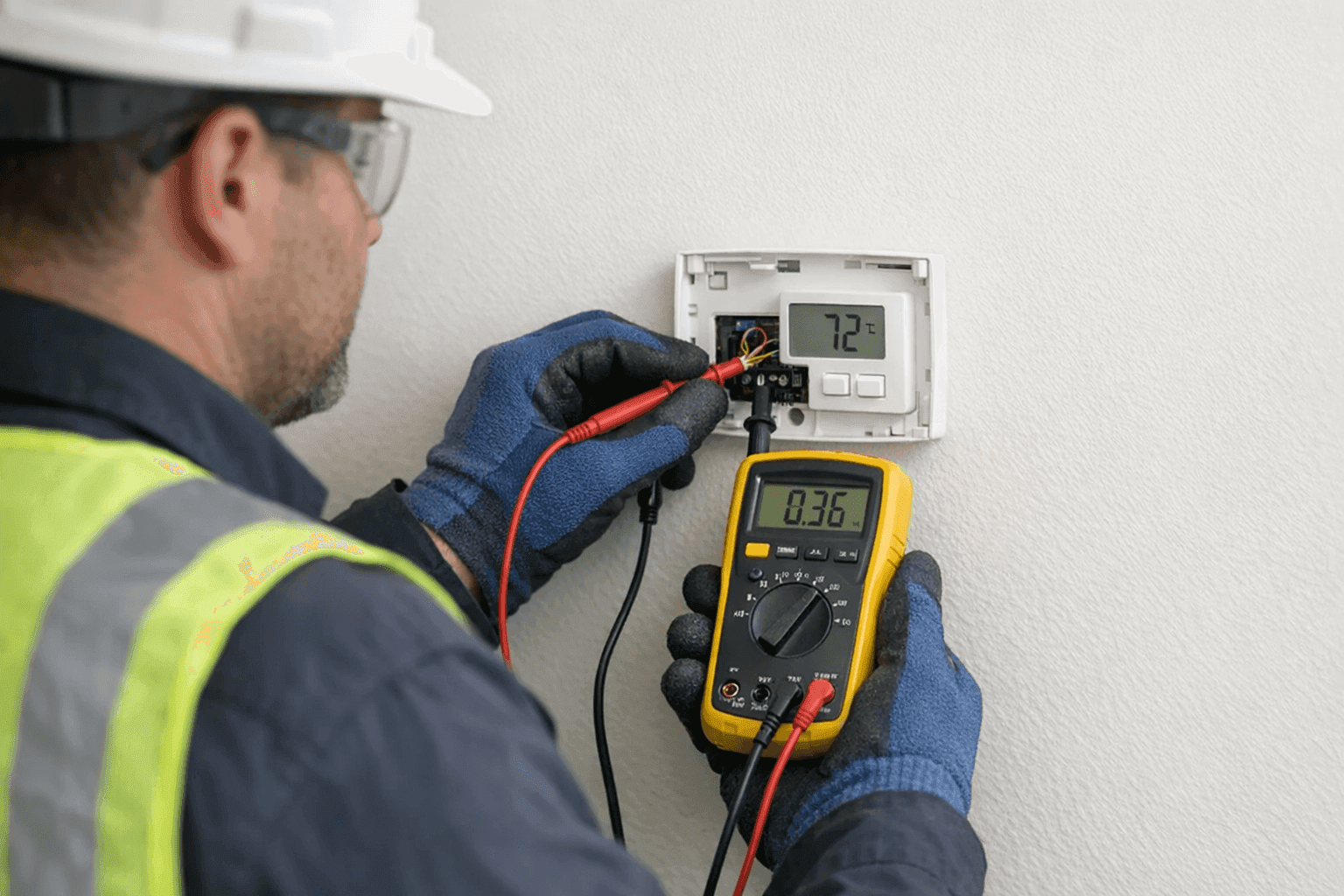
Is your space feeling more like a desert or an icebox, no matter how you set the thermostat? Thermostat problems throw off your comfort, spike your bills, and can even signal bigger cooling system trouble. Whether you manage a busy office or a cozy home, knowing how to tackle thermostat issues gives you control—and can save you money.
At Right On AC, we’ve seen thermostats behave like stubborn gatekeepers, holding your comfort hostage. Let’s walk through the most common thermostat problems, practical DIY fixes, and clear signs it’s time to call in a professional.
Common Thermostat Problems 😕
Sometimes, the issue is simple. Other times, it’s a symptom of something deeper. Here’s what you might notice:
- No response: The display is blank, or nothing changes when you adjust the temperature.
- Short cycling: The system turns on and off rapidly, like a flickering light.
- Temperature drift: The room never matches the setting—or swings wildly from hot to cold.
- Inconsistent zones: Some rooms are perfect, others uncomfortable.
- Unusual noises: Clicking, buzzing, or humming from the device itself.
Think of your thermostat as the brain of your cooling system. If the “brain” can’t communicate clearly, the whole house feels the confusion.
Quick Safety Checklist Before You Start
Before you do any troubleshooting, safety comes first:
- Turn off power to your HVAC system at the breaker.
- If you’re checking wiring, use an insulated screwdriver.
- Never touch bare wires with wet hands.
- For commercial settings, follow OSHA electrical safety guidelines.
A few minutes of caution can prevent hours of regret.
DIY Troubleshooting Steps
Not every thermostat issue requires a pro. Here’s how you can tackle the basics, step by step:
1. Check the Power
- Look for a tripped circuit breaker or blown fuse.
- Replace batteries in battery-powered thermostats.
- Make sure the display is lit and responsive.
2. Inspect Settings
- Double-check that it’s set to “cool” or “heat,” as needed.
- Confirm the temperature setting is below (for cooling) or above (for heating) the current room temp.
- Disable any “hold” or “vacation” programs if you’re testing.
3. Clean the Thermostat
- Gently remove the cover.
- Use a soft brush or compressed air to clear dust from sensors and contacts.
- Re-attach the cover, ensuring it snaps in place.
4. Level and Location
- Make sure the thermostat is mounted level (older models may malfunction if crooked).
- Avoid direct sunlight, drafts, or heat sources—these can trick the sensor.
5. Check the Wiring
- Power off first!
- Gently tug wires to confirm they’re snug in their terminals.
- Look for corrosion, loose connections, or frayed insulation.
6. Test the System
- Turn power back on.
- Adjust the temperature and listen for the system to respond (a click or fan starting up).
These steps solve many basic issues. If things still aren’t right, it might be time to dig deeper.
Knowing When It’s an Emergency
Some thermostat problems need urgent attention:
- Sparks, burning smells, or smoke: Shut off power and call for help immediately.
- Total system failure during extreme heat or cold: For vulnerable populations (kids, elderly, pets), this is urgent.
- Water near your thermostat or HVAC system: This can signal a dangerous short or leak.
Never wait if safety is on the line.
When to Replace or Call a Technician 👨🔧
Sometimes, DIY runs out of runway. Here’s when it pays to call a professional:
- Repeated issues: If problems return after basic troubleshooting, there’s likely an underlying fault.
- Display issues: Flickering, unreadable, or erratic displays can signal a failing thermostat.
- System won’t turn on or off: This could mean a faulty relay, transformer, or deeper electrical issue.
- Old thermostat: If your unit is more than 10 years old, newer models offer better efficiency and accuracy.
- Wiring confusion: If you open the cover and see a spaghetti bowl of wires, don’t guess—call for help.
A licensed technician from Right On AC can quickly pinpoint the problem and recommend the best fix, sometimes saving you from a bigger bill down the road.
What to Expect When a Pro Arrives
When you call for help, here’s what happens:
- Visual inspection: Checking the thermostat, wiring, and mounting.
- Testing equipment: Using multimeters to check voltage, continuity, and control board signals.
- System check: Ensuring the HVAC system responds correctly to thermostat commands.
- Clear explanation: Real pros explain what they’re doing in plain language.
Technicians follow safety guidelines from the National Electrical Code (NEC) and manufacturer recommendations to ensure your system is safe and up to date.
Preventing Thermostat Trouble
A little care goes a long way:
- Change batteries annually (mark your calendar).
- Keep it clean: Dust, pet hair, and spider webs can cause false readings.
- Schedule annual HVAC maintenance to catch issues before they become problems.
- Consider an upgrade: Modern smart thermostats offer better accuracy, convenience, and energy savings.
You can add a thermostat check to your regular HVAC Maintenance routine for peace of mind.
Seasonal Considerations
Thermostats work harder in extreme seasons. Before summer or winter hits:
- Test your system early—don’t wait for the first heatwave or freeze.
- Update programming for seasonal schedules.
- Inspect for drafts and sunlight shifts that may affect readings.
Proactive checks mean you’re not left sweating (or shivering) when the weather turns.
Common Mistakes to Avoid
- Ignoring low batteries: A dead battery can look like a major breakdown.
- Covering the thermostat: Furniture or curtains can block airflow, causing false readings.
- Skipping regular cleaning: Dust can insulate the sensor, throwing off accuracy.
- Forgetting to label wires: If you replace your thermostat, label wires before disconnecting.
A few simple habits can dodge a lot of headaches.
Costs and Time Factors
- DIY fixes: Most are free or under $20 (batteries, cleaning).
- Professional repairs: Simple fixes may cost $75–$200; complex wiring or replacement runs higher.
- Time: DIY troubleshooting usually takes 10–30 minutes. Professional visits last 30–90 minutes, depending on the issue.
Always ask for a clear estimate before authorizing repairs.
Materials and Tools You’ll Need
- Small Phillips screwdriver
- Soft brush or compressed air
- Insulated gloves (for wiring checks)
- Multimeter (for voltage testing, if you’re comfortable)
If you don’t have these, or aren’t sure, it’s safer to call us.
Signs It’s Time for a New Thermostat
- Older than 10 years
- Frequent or unpredictable operation
- No longer compatible with your system (after upgrades)
- Display or buttons failing
Upgrading can improve comfort, cut energy bills, and let you control your cooling from anywhere.
Impact on Indoor Air Quality
Thermostat issues can lead to poor cooling cycles, which may impact humidity and air movement. That, in turn, affects indoor air quality. If your thermostat is causing uneven cooling or humidity swings, ask about our Indoor Air Quality services.
Frequently Asked Questions
How often should I replace my thermostat?
Most last 10 years, but consider upgrading sooner if you want new features or better efficiency.
Can I install a smart thermostat myself?
If you’re comfortable with simple wiring, yes. For complex systems or commercial spaces, call a pro.
What if my thermostat is in a bad location?
Relocating it can solve many issues. A technician can help you pick the best spot.
The Right On AC Approach
Whether you’re troubleshooting a stubborn thermostat, need routine maintenance, or want a full system upgrade, Right On AC brings clarity, safety, and reliable solutions. We know every cooling problem feels urgent, especially when comfort is on the line.
If you’re in the area and searching for reliable HVAC Repair, our team is ready to help—day or night. We handle everything from thermostats and wiring to full HVAC replacements.
Call Right On AC now — or reach us anytime at 888-836-1269 .